
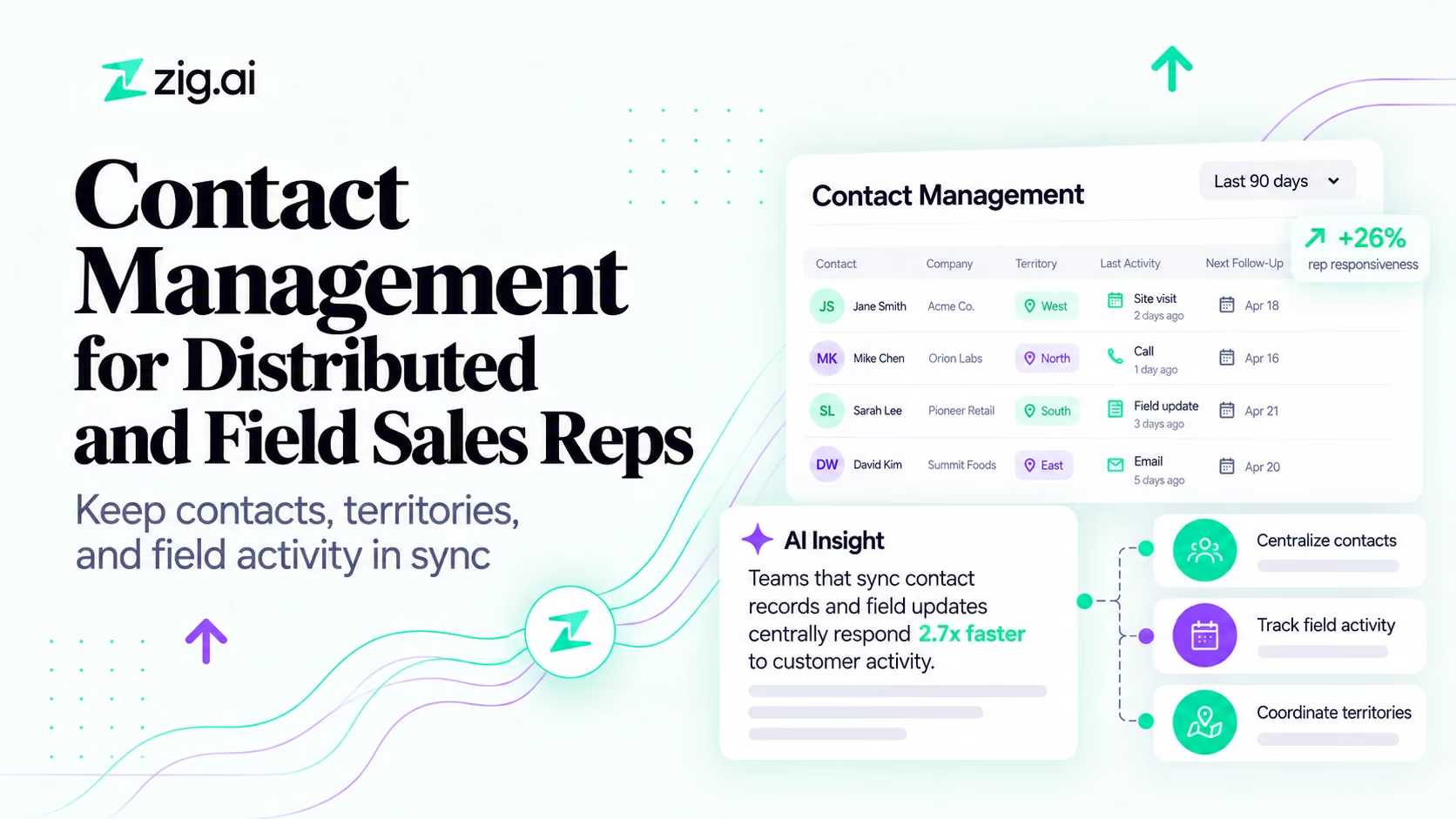
A field rep can learn more about an account during ten minutes in a customer’s office than the CRM may have collected in the previous month. A new stakeholder appears, the project timeline changes, another location enters the deal, and the buyer asks for follow-up before Friday.
Then the rep gets back in the car.
That is where field sales contact management software either earns its place or creates another task for later. The real job is not merely storing a name and phone number. It is capturing enough of the interaction to preserve account context, CRM accuracy, ownership, and the next action while the information is still fresh.
For distributed sales teams, that makes contact management part of the selling workflow itself. The useful sequence is:
Capture → Identify → Match → Record → Enrich → Sync → Act → Refresh
What Is Field Sales Contact Management Software?
Field sales contact management software helps outside and distributed reps capture, access, update, and act on customer information while working away from a desk. It can include mobile CRM access, visit logging, business-card capture, account history, activity notes, offline functionality, follow-up, and synchronization with the central CRM.
The category overlaps with several other types of software, but they are not identical.
Category | Primary Job |
Mobile CRM | View and update CRM records remotely |
Field sales platform | Manage territories, routes, visits, and field activity |
Contact management | Maintain people, accounts, history, and next steps |
Sales execution layer | Turn field activity into CRM updates and follow-up work |
A route planner may be excellent at optimizing a rep’s day without being a strong contact-management system. A CRM may store every account correctly but require too much typing after a customer visit.
That is why the right shortlist depends on how the reps work in the field. Zig’s field sales software guide makes the same distinction among territory, route, mobile CRM, order, inventory, and sales-execution requirements.
Good Field Contact Management Starts at the Moment of Capture
The quality of a CRM record often depends on how much effort the rep has to spend creating it.
If adding a new contact requires stopping, opening several screens, entering six fields, searching for an account, and writing a full note, many reps will postpone the work. By the time they return to it, names, commitments, and context have already started disappearing.
Field contact capture can happen through:
- a business-card scan
- conference badge
- manual entry
- email signature
- calendar meeting
- voice note
- existing CRM lookup
- photo or document extraction
The goal is to minimize capture friction without sacrificing identity accuracy.
Zig’s field-first workflow reflects this idea. Its product pages describe scanning a badge, business card, or handwritten name and retrieving contact and company context before the next conversation.
The broader principle applies to any tool: the best capture workflow is one the rep will complete while the interaction is still fresh.
Identity Resolution Comes Before Enrichment
Scanning a business card is not the same as creating a trustworthy contact record.
The system still needs to establish whether the person already exists, which account they belong to, whether the company already has an open opportunity, and whether another rep owns the relationship.
Person matching may rely on combinations of:
- name
- work email
- company
- title
- phone
- professional profile
Account matching may use domain, normalized company name, account identifiers, location, and parent-company relationships.
This distinction becomes especially relevant for distributed teams. Two reps may independently meet different people from the same company at separate events. Creating two accounts because the company names were entered slightly differently fractures the sales history.
A wrong match is even worse. Once the wrong contact is associated with an account, enrichment can make an inaccurate record appear increasingly authoritative.
Resolve identity before adding more context.
Distributed Teams Need Strong Duplicate Handling
Field sales creates more opportunities for duplicate records because customer relationships are formed across territories, events, regional teams, and changing account assignments.
Duplicate detection is only the beginning.
A useful workflow also needs to decide what happens when:
- the contact already exists
- the company exists under another name
- the person changed employers
- the account belongs to another territory
- Lead and Contact records both exist
- two reps create the same person
- a new subsidiary belongs to an existing parent account
Some cases can be merged automatically. Others need review because the business relationship is ambiguous.
That distinction is valuable:
Duplicate detection asks whether two records may represent the same entity. Duplicate resolution decides what the company should do about it.
The second step affects account ownership, history, opportunities, reporting, and follow-up.
What Should a Field Sales Mobile CRM Do Offline?
Offline functionality sounds binary on a feature page. In practice, it has several layers.
A field sales mobile CRM may let reps view information offline without allowing them to change it. Another tool may allow new notes and contacts to be created but queue those updates until the device reconnects.
Teams that work in warehouses, construction sites, rural territories, hospitals, manufacturing facilities, or other weak-signal environments should test exactly what remains available.
What can the rep read offline?
That may include:
- assigned accounts
- contacts
- previous visit notes
- opportunity details
- tasks
- product information
What can the rep change offline?
Depending on the product, that may include:
- adding a contact
- writing notes
- logging a visit
- creating a task
- changing opportunity details
- capturing an order
The harder problem appears when the device reconnects.
Suppose the rep changes an account note offline while another employee edits the same record in the CRM. Which change wins?
Buyers should test how the product handles queued changes, retries, duplicate updates, timestamps, failed uploads, and conflicting edits.
Zig’s mobile CRM guide is useful for understanding mobile sales execution, but teams requiring true offline CRM functionality should evaluate that capability in the underlying field or CRM platform rather than assuming every mobile sales tool provides it.
Voice-to-CRM Can Remove the End-of-Day Memory Test
Typing detailed CRM updates from a phone is often the wrong interface for field sales.
A rep may be able to explain what happened in fifteen seconds:
Met Ana at Northstar. They are opening three locations in Q1. Procurement joins the next meeting. Send implementation material Friday.
The difficult part is turning that statement into structured sales information.
A useful voice workflow might identify:
- contact
- company
- expansion plan
- stakeholder
- timeline
- promised material
- follow-up date
- next step
This is where voice-to-CRM becomes more useful than simple transcription. The system needs to distinguish between a fact, a commitment, an inference, and a task.
Zig’s live How It Works page explicitly describes reps using voice and having CRM work updated without waiting to return to a desk.
For field sellers, that changes the interaction with the CRM. Instead of navigating fields on a phone, the rep can capture the sales event in the form that is most natural immediately after it happens.
Route Planning, Territory Management, and Contact Management Solve Different Problems
Field sales software covers a wide range of jobs, which makes feature comparisons misleading when buyers treat the entire category as one product type.
- Route planning decides the efficient order in which a rep should visit locations.
- Territory management determines which geography, account group, or set of prospects belongs to each rep.
- Contact management maintains people, account relationships, interaction history, and future actions.
- Sales execution handles the work generated around those interactions, such as research, CRM administration, follow-up, and pipeline maintenance.
A platform can combine several of these functions. That does not mean it is equally strong in all of them.
Zig’s field sales software comparison breaks the category down in a similar way, distinguishing route-heavy tools, field activity platforms, Salesforce-based mapping, distributor workflows, and mobile CRM use cases.
A territory-heavy outside-sales team should therefore avoid buying a generic mobile CRM and assuming mapping will be sufficient. A strategic account team that visits only a few customers each week may have no reason to pay for advanced route optimization.
Contact Ownership Should Survive Territory Changes
Contacts outlive individual rep assignments.
A territory can be redrawn. A rep can move teams. An employee can leave. A named account may be transferred from SMB to enterprise.
The customer history still needs to survive.
A clean handoff preserves:
- previous interactions
- relationship history
- meeting notes
- open commitments
- stakeholder roles
- active opportunities
- next steps
- prior ownership
This is why record ownership and relationship history should be treated separately.
Changing the Account Owner field should not make the new rep reconstruct two years of sales context from old emails.
A strong field-sales system keeps account history attached to the customer while allowing responsibility for future action to change.
How Can Field Reps Automate Follow-Up Without Losing Context?
The best field follow-up begins with what happened during the interaction.
A fixed cadence only knows that time has passed. A contextual workflow knows that the buyer requested a specification sheet, another stakeholder is joining the next conversation, or the rep promised to call after a site inspection.
There are three useful levels of automation:
Model | Trigger | Context Available |
Scheduled | Time elapsed | Low |
Event-triggered | Visit, meeting, or buyer action | Medium |
Context-aware | Conversation plus CRM state | High |
The goal is not simply faster email.
The system should carry the commercial context forward so the next action reflects the conversation.
Zig fits naturally at this layer. How Zig Works describes connected agents across meetings, follow-up, CRM Sync, and pipeline, while Zig’s sales automation guide covers the difference between automating individual steps and executing connected sales workflows.
For field sellers, this can reduce one of the most common end-of-day tasks: reconstructing several customer visits and writing every follow-up from scratch.
Automated Field Follow-Up Still Has Email Rules
Automation does not change the legal responsibilities attached to commercial email.
The FTC’s CAN-SPAM compliance guide explains that the law applies to commercial messages, including business-to-business email. It covers requirements such as accurate header information, non-deceptive subject lines, a valid postal address, an opt-out method, and honoring opt-out requests.
That means follow-up automation should respect suppression and opt-out state just as carefully as it respects account ownership or meeting status.
A field rep capturing a new contact does not automatically mean every future outreach action is unrestricted.
Contact Data Keeps Changing After the Rep Leaves
Good field capture solves the first version of the record.
It does not make that record permanent.
People change jobs, phone numbers, titles, buying roles, and territories. Companies merge, create subsidiaries, and restructure teams.
Contact-management software should therefore support ongoing data hygiene through enrichment, freshness indicators, corrections, account matching, and ownership updates.
Zig’s article on pipeline hygiene and CRM data decay explains why CRM reliability falls when operational changes stop reaching the system of record.
The field-sales implication is straightforward: the contact record needs maintenance after capture just as much as it needs accuracy at creation.
Managers Need Visibility, Not Surveillance
Field sales managers need enough information to understand whether accounts are being worked, customer context is reaching the CRM, and opportunities have a next step.
That does not mean measuring productivity through constant location monitoring.
Useful metrics can be grouped by the workflow.
Adoption
Track:
- contacts captured
- visits with recorded outcomes
- CRM update latency
- percentage of activity logged
Data quality
Track:
- duplicate contacts
- incomplete required fields
- stale records
- unassigned contacts or accounts
Execution
Track:
- follow-up completion
- opportunities without next steps
- inactive deals
- task completion
Territory performance
Where geography is relevant, teams may also examine:
- active accounts
- account coverage
- pipeline by territory
- opportunity progression
GPS check-ins can be appropriate when they confirm a legitimate work event, such as a scheduled visit. Continuous tracking is a different type of data collection and should receive separate privacy and workforce review.
Field-sales management works best when measurement answers what happened with the customer, not merely where the rep’s phone happened to be.
How to Evaluate Field Sales Contact Management Software
A product demo from a desktop computer tells buyers surprisingly little about a mobile field-sales workflow.
The software should be tested where it will be used.
Before the pilot, define what each test is meant to prove.
Criterion | Test | Buyer Question |
Capture friction | Create a new contact | How many actions does this require? |
Identity matching | Enter an existing buyer | Does it find the correct CRM record? |
Mobile usability | Complete normal rep tasks | Can the rep work without a laptop? |
Offline behavior | Disconnect during a workflow | What survives and how does it resync? |
Conflict handling | Edit the same record twice | How are competing changes resolved? |
CRM integration | Inspect the resulting record | Which objects and fields synchronize? |
Follow-up | Complete a customer visit | Does context become a next action? |
Ownership | Reassign an account | Is historical context preserved? |
Security | Review mobile access | Can access be restricted or revoked? |
Administration | Operate for a week | How much maintenance is required? |
A strong pilot should include a normal workday rather than a perfect scenario.
Give reps actual accounts. Let them move between appointments. Disconnect the phone. Add a duplicate contact. Record a voice note. Reassign an account. Check whether the CRM reflects what happened.
The most revealing behavior may be what reps postpone until later.
If they still wait until the evening to log visits or prepare follow-up, the software has not removed enough of the administrative burden.
How Do You Secure Customer Data on Field Reps’ Phones?
Mobile sales creates a different security surface because customer information can appear on phones, tablets, email, calendar apps, CRM clients, and other connected systems.
The FTC’s guidance on protecting personal information calls for identifying where personal information is stored, limiting access, keeping only information the business needs, protecting retained data, and preparing for security incidents. The guidance explicitly includes mobile devices when businesses inventory where information is stored.
NIST’s Cybersecurity Framework 2.0 delivers a broader framework organizations of different sizes can use to understand, assess, prioritize, and communicate cybersecurity risk.
A field-sales security review should therefore examine:
- device authentication
- multi-factor authentication
- permissions
- least-privilege access
- encryption
- local device storage
- access revocation
- data retention
- audit history
- vendor access
- incident response
The Zig Trust Center gives teams a place to review Zig’s security documentation before connecting it to customer and CRM data.
Where Does Zig Fit in a Field Sales Stack?
A field-sales team may need several distinct layers.
A CRM holds the system of record. A route or territory platform helps reps plan coverage when geography is central. Distributor teams may need order and inventory workflows.
Zig fits more naturally as the sales-execution layer around those systems.
Its live product experience is explicitly field-first. Zig describes reps working on the phone, by voice, in Slack, or through email, and its homepage highlights scanning badges, business cards, and handwritten names to retrieve contact and company research.
It also extends beyond contact capture into Research, Outreach, Meetings, Follow-Up, CRM Sync, and Pipeline. That makes its strongest use case the administrative work surrounding the field interaction rather than route planning or order entry.
Zig does not need to replace the field CRM to be useful.
A rep can meet the customer through the existing field workflow, while Zig helps reduce the research, CRM maintenance, follow-up, and pipeline work that would otherwise accumulate afterward.
The distinction is especially useful when evaluating mobile CRM and mobile-first selling. Zig’s own mobile CRM content describes the shift from merely viewing CRM records on a phone toward completing CRM updates, meeting preparation, summaries, and follow-up from wherever the rep is working.
The Best Field Software Captures the Interaction Once
A field rep should not have to tell the same sales story three times: once to the buyer, once to the CRM, and once to the manager.
The purpose of field sales contact management software is to reduce that reconstruction.
A good workflow captures the interaction when it happens, connects the person to the right account, preserves ownership and history, updates the sales system, and carries the relevant context into follow-up.
For some teams, that means a mobile CRM with strong offline functionality. For others, route planning or territory management is essential. And for teams whose field software already handles those jobs, an execution layer can remove the administrative work that remains afterward.
Zig belongs in that final category.
If your field reps already have the customer relationships and the CRM but still spend the end of each day rebuilding notes, follow-up, and pipeline context, book a meeting with Zig to see which parts of that work can move into the sales-execution layer.
Frequently Asked Questions About Field Sales Contact Management Software
What is field sales contact management software?
Field sales contact management software helps distributed reps capture, access, update, and act on contact and account information while away from a desk. Depending on the platform, it may include mobile CRM, visit logging, offline access, contact scanning, territory context, and follow-up workflows.
Is a field CRM different from a normal CRM?
A field CRM puts more emphasis on mobile workflows such as visit logging, remote contact updates, territory context, and sometimes offline access or route planning. A general CRM can have a mobile application without providing the same depth of field-specific workflow.
Does field sales software need offline access?
Not every team needs it, but it can be essential when reps regularly work in low-signal locations. Buyers should test both offline reading and writing, then verify how queued changes and conflicts are handled after the device reconnects.
What is the best CRM for field sales reps?
The strongest fit depends on the sales motion. Evaluate mobile usability, offline requirements, account history, activity capture, integrations, territory needs, and how quickly reps can record the next step after an interaction.
Is route planning part of contact management?
No. Route planning optimizes travel between accounts or locations. Contact management maintains people, account relationships, activity history, ownership, and follow-up, although some field-sales platforms combine both capabilities.
How can field teams prevent duplicate contacts?
Match new contacts against existing people and accounts before creating another record. Ambiguous matches should enter a merge or review process instead of automatically creating a duplicate.
Does Zig replace a field CRM?
No. Zig is better positioned as a mobile and AI sales-execution layer around the CRM. It supports workflows around research, meetings, CRM updates, follow-up, and pipeline rather than replacing dedicated route, territory, offline, or order-management software.
How should field sales software be tested?
Run a pilot during a normal field day. Test contact creation, an existing account, weak connectivity, CRM synchronization, a duplicate record, follow-up, and an ownership handoff so the evaluation reflects real rep conditions.
