
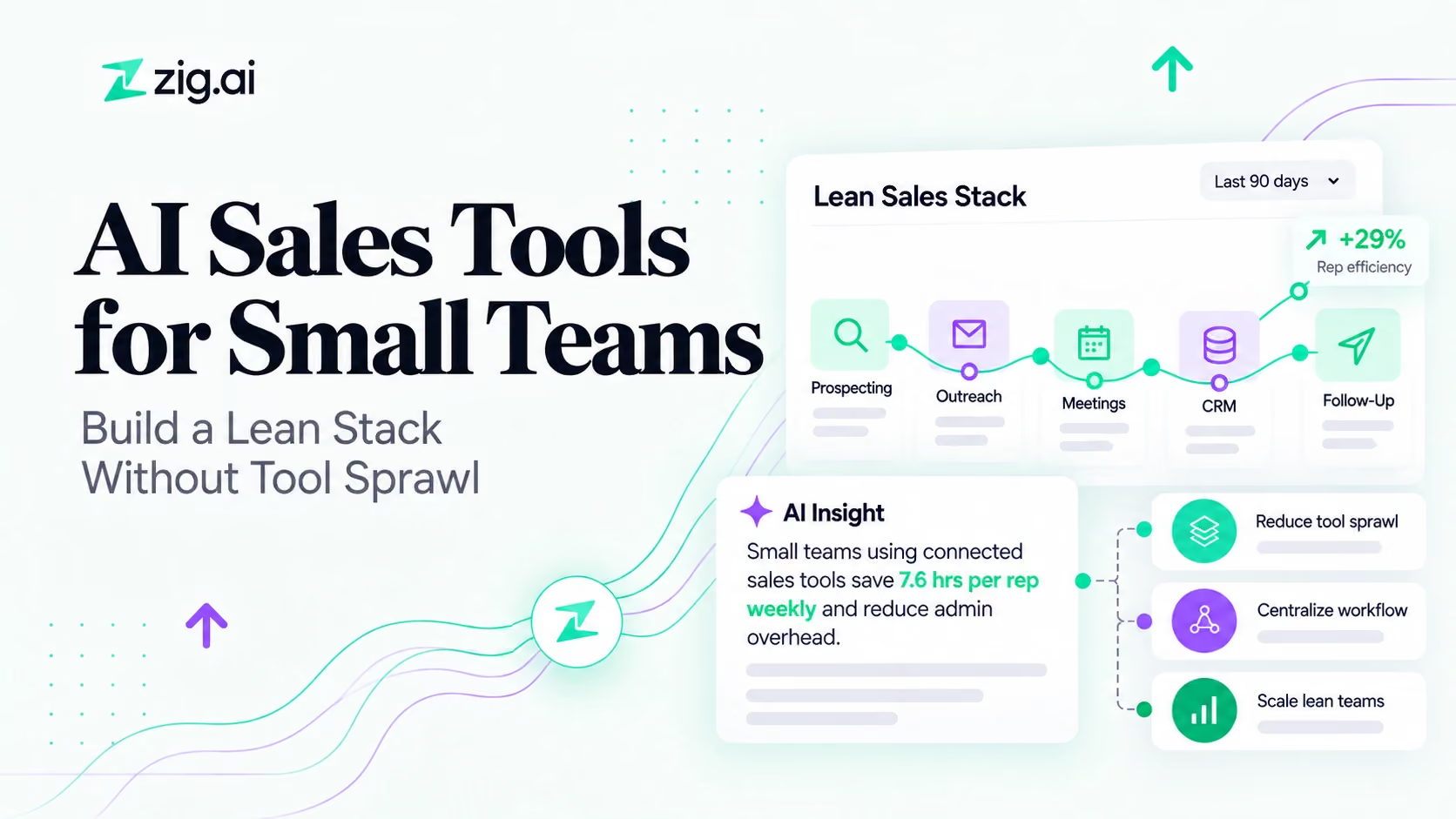
Small sales teams feel software overhead faster than large organizations because the people selling are often the same people configuring workflows, cleaning the CRM, fixing integrations, and deciding which subscription gets renewed.
That makes the usual approach to sales tools for small sales teams backwards.
A team does not need one tool from every category on a sales-tech diagram. It needs enough capability to cover the jobs its sales motion requires without turning sellers into part-time software administrators.
A sales tool therefore has two costs: what appears on the invoice and what the team spends operating it. Setup, data maintenance, integration troubleshooting, training, credits, and repetitive admin all belong in the buying decision.
AI can improve that equation when it removes execution work rather than adding another interface. The better objective is not to build the most advanced stack. It is to build the smallest reliable system that lets the team find buyers, engage them, maintain deal context, and keep opportunities moving.
What Are AI Sales Tools for Small Teams?
AI sales tools use artificial intelligence to perform or assist with work such as account research, lead qualification, outreach, meeting preparation, CRM maintenance, follow-up, and pipeline inspection.
The category is broad, so it helps to distinguish three levels.
- An AI feature performs one task inside another product, such as drafting an email.
- An AI assistant helps a rep complete work after the rep initiates it.
- An AI agent can continue a bounded workflow using connected systems and context.
Small teams should care about that distinction because it determines how much work disappears.
An email-writing feature may save several minutes. An execution workflow that researches the account, prepares the email, records the activity, and manages the next step can remove a larger administrative chain.
Start With Sales Jobs, Not a Software Shopping List
A useful sales tech stack can be designed around five jobs.
Job | What Needs to Happen | Typical Software Layer |
Record | Store contacts, accounts, deals, and activity | CRM |
Find | Identify and research potential buyers | Prospecting / intelligence |
Engage | Communicate with inbound and outbound leads | Sales engagement |
Execute | Complete follow-up, updates, and next actions | Automation / AI execution |
Inspect | Understand pipeline and performance | CRM analytics / pipeline tools |
These are jobs, not mandatory subscriptions.
One CRM may cover recording, basic engagement, and pipeline visibility well enough for an early team. A specialist prospecting platform may become worthwhile because finding accurate contacts is the real bottleneck. Another business may already have plenty of leads but lose opportunities because follow-up and CRM administration depend on rep memory.
That is why small-team stack design should begin with where selling capacity is being lost.
Does a Small Sales Team Need a CRM?
Usually, yes.
Once several people share leads, opportunities, and customer relationships, the team needs a common place to understand ownership, activity, stage, next steps, and deal history. Without that system, important context ends up distributed across inboxes, spreadsheets, chat messages, and individual memory.
A small-team CRM does not need to be complicated.
The essentials are usually:
- contact and account records
- opportunity stages
- ownership
- activity history
- tasks and next steps
- email and calendar connection
- basic reporting
- useful integrations
Problems start when a lean company implements CRM complexity before the sales process needs it. Twenty required fields, elaborate approval chains, unused custom objects, and dozens of dashboards can create more data-entry work without improving how the team sells.
A good CRM for small teams should provide enough structure to keep the team coordinated without making every interaction feel like database administration.
Zig's guide to mobile CRM and mobile sales execution makes a useful distinction here: accessing CRM information and completing the work surrounding that information are different problems.
All-in-One vs Specialist Tools: Which Is Better for a Small Team?
Neither approach wins by default.
An all-in-one platform is attractive when the sales motion is straightforward and its built-in capabilities are strong enough for the team's needs. Fewer systems can mean simpler onboarding, fewer integrations, consolidated reporting, and less administrative work.
A specialist tool becomes worthwhile when one workflow is valuable enough to justify the extra system.
For example, a company with a highly targeted outbound motion may need deeper prospecting data than its CRM provides. Another team may need specialized calling or conversation intelligence because that is central to how it sells.
The hidden cost is integration tax.
Every additional point tool can introduce another login, permission model, data sync, billing relationship, support channel, training requirement, and renewal decision. If the software saves ten minutes a week but requires an hour of maintenance, the stack became more sophisticated and less productive.
Consolidation is therefore useful when broader software performs several required jobs well. It is harmful when it forces the team to accept weak capabilities in a workflow that directly affects revenue.
Calculate Total Cost, Not Just Price per Seat
Small sales teams often compare software using monthly seat price because it is easy to understand. That misses a large part of the cost.
A better model is:
Total cost of ownership = subscription + implementation + usage/data + administration + integration + training + overlapping tools
Consider two products. One costs less per user but requires a separate enrichment tool, another sequencing tool, and regular manual CRM work. A higher-priced platform may cost less overall if it eliminates enough additional software and administrative work.
Pricing structure also changes the economics.
Sales software may charge by:
- seat
- contact
- data credit
- email volume
- call minutes
- workflow usage
- execution capacity
Zig uses workload-based rather than per-seat pricing. Its Starter Team plan is $799 per month on a 12-month agreement and includes unlimited users, while Growth Team is $1,199 per month.
That does not automatically make one pricing model better. A small team should model its real usage and compare what work remains after the subscription is paid.
Teams evaluating Zig can review its workload and execution pricing rather than multiplying a seat fee by headcount.
Which Sales Tools Give Small Teams the Fastest Payback?
There is no universal ranking because ROI follows the bottleneck.
A team drowning in inbound demand will value different software from a founder who needs to build an outbound pipeline from zero.
The more useful comparison is:
Bottleneck | Tool Category to Evaluate | Payback Signal |
Inbound leads wait too long | Response / execution automation | Lower response latency |
Reps cannot find buyers | Prospecting / intelligence | More qualified accounts researched |
Follow-up is inconsistent | Engagement / execution | Higher follow-up completion |
CRM data is unreliable | CRM automation | Fewer missing or stale updates |
Deals disappear in pipeline | Pipeline management | Fewer deals without next steps |
Reps spend heavily on admin | AI execution | Manual work removed |
Managers lack visibility | CRM analytics / pipeline | Better inspection cadence |
This is also a better way to evaluate AI sales tools. The relevant metric is not how many AI features the vendor lists. It is whether the product removes the specific work slowing the team down.
Which Prospecting Tools Does a Small Team Need?
Sales prospecting tools span several different jobs, which is why category comparisons can become confusing.
Some tools primarily provide contact data. Others enrich records, automate research, prioritize accounts, run outreach, or connect prospecting to CRM and follow-up.
A small team should ask what is missing from its existing process before buying another prospecting product.
Useful evaluation criteria include:
- ICP coverage
- data accuracy
- enrichment depth
- credit model
- account research
- CRM sync
- personalization inputs
- workflow automation
- total operating cost
Zig's sales prospecting tools guide makes the distinction between prospecting software and execution platforms explicit. Prospecting tools help teams identify and prepare buyers, while execution systems continue into CRM updates, follow-up, and next actions.
That distinction can prevent a small company from buying two products that solve nearly the same problem.
Can AI Prospecting Tools Replace Manual Research?
They can remove a substantial amount of routine research, but that does not make every output authoritative.
AI prospecting tools are useful for compiling company summaries, identifying standard firmographic attributes, assembling account context, enrichment, and preparing inputs for personalization.
Human research becomes more valuable when the account is strategically important or commercially complicated.
A seller may still need to understand:
- unusual ownership structures
- internal politics
- existing relationships
- competitive dynamics
- strategic initiatives
- complex procurement environments
AI research works best as a compression layer. It gathers and organizes information so the seller begins with more context instead of an empty browser tab.
For a small sales team, the practical test is whether the research is reliable enough to reduce preparation time without introducing claims the rep then has to verify manually.
Does a Small Team Need Separate Sales Engagement Software?
Not always.
A founder sending a modest number of thoughtful outbound messages may be perfectly well served by CRM-native email functionality. A dedicated sales engagement tool becomes more attractive as the team needs structured sequences, shared templates, reply handling, suppression, manager visibility, and consistent CRM logging.
The timing matters.
Buying an enterprise engagement platform for three sellers because the team expects to have thirty someday can create years of unnecessary complexity.
A better rule is to add the specialist layer when the existing system begins creating a measurable constraint.
That may be poor sequence management, manual follow-up, weak deliverability controls, inconsistent logging, or lack of visibility across the team.
How Can Small Teams Automate Follow-Up Without Losing the Personal Touch?
Good follow-up automation should preserve the reason for the conversation.
A fixed sequence knows that three days have passed. A stronger workflow knows what the buyer asked, which commitment was made, whether another meeting is already scheduled, and which account stage the conversation belongs to.
There are three broad levels:
Approach | Logic | Personalization Depth |
Scheduled | Send after a set interval | Template-based |
Behavior-triggered | Respond to an event | Event-specific |
Context-aware | Use account and conversation state | Buyer-specific context |
The third level is where AI can remove more rep work.
A meeting ends. The system captures the agreed actions, prepares follow-up from the conversation, keeps CRM context aligned, and surfaces what still needs attention.
Zig's sales automation guide describes this broader execution model, while How Zig Works shows how Research, Outreach, Meetings, Follow-Up, CRM Sync, and Pipeline operate as connected workflows.
The seller still owns the customer relationship. Zig drafts, prepares, and proposes buyer-facing work for rep approval rather than expecting the rep to operate another system throughout the day.
Small Teams Need Pipeline Discipline Before Advanced Forecasting
A team managing twenty active opportunities usually does not need the same forecasting infrastructure as a multinational sales organization.
It does need reliable pipeline basics.
Every opportunity should have a clear owner, credible stage, meaningful next step, recent activity, expected timeline, and enough context for another person to understand its state.
Those fundamentals make sales pipeline management tools useful. Visual boards and dashboards help, but their value depends on the quality of the underlying CRM record.
Zig's sales pipeline management guide emphasizes the same principle: a pipeline is useful when stages reflect buyer progress and stalled opportunities become visible before they disappear into an aging report.
For many small teams, the existing CRM can provide enough pipeline visibility. Add a specialist tool when the real need moves beyond basic tracking into advanced analysis or execution.
Sales Enablement Can Stay Lightweight for Longer Than You Think
A lean sales organization still needs enablement. It may not need an expensive sales enablement tool yet.
The team needs consistent access to:
- approved positioning
- discovery guidance
- objection responses
- product information
- customer evidence
- useful call examples
- current collateral
For six sellers, a well-organized knowledge system and disciplined onboarding process may solve most of that problem.
Dedicated enablement software becomes more defensible when content volume, onboarding complexity, compliance, multiple products, or distributed teams make lightweight methods difficult to maintain.
The same buying rule applies: add the platform when the workflow problem is substantial enough to justify another system.
Security Review Is Not Only for Enterprise Buyers
Small companies may not have a dedicated security team, but their sales software still touches sensitive systems.
A sales platform may access email, calendars, CRM records, contact information, call recordings, internal notes, and customer conversations.
NIST's Small Business Cybersecurity Corner was created specifically to give resource-constrained organizations practical cybersecurity guidance. The FTC's small-business cybersecurity guidance also recommends controls such as limiting vendor access, using MFA, protecting sensitive data, and evaluating vendor security practices.
A small sales team should therefore check:
- multi-factor authentication
- permissions
- encryption
- retention
- deletion
- vendor access
- subprocessors
- incident response
- public security documentation
The Zig Trust Center gives buyers a place to review its security documentation as part of that process.
Outbound Automation Still Has Rules
Automation does not remove the sender's obligations.
The FTC states that CAN-SPAM applies to commercial messages, including B2B email, and requires elements such as accurate sender information and a functioning opt-out process.
Teams using automated calling or texting also need to understand the TCPA and FCC rules that can require consent for certain robocalls and robotexts.
The practical lesson is not to avoid automation. It is to make compliance part of workflow design rather than an afterthought.
Where Does Zig Fit in a Small Sales Team’s Stack?
Zig fits best when a small team already has the basic systems it needs but still spends too much time connecting the work between them.
It is not positioned as a CRM replacement. The stronger role is the execution layer around the seller.
Zig's specialized agents cover Research, Outreach, Meetings, Follow-Up, CRM Sync, and Pipeline. They work through surfaces reps already use, while buyer-facing actions remain subject to rep approval.
That becomes useful when sellers spend significant time:
- researching accounts before calls
- preparing meetings
- copying notes into the CRM
- writing routine follow-up
- maintaining opportunity data
- checking which deals have gone quiet
Zig is less compelling when the team's main need is simply a raw contact database or a basic CRM. Zig's own prospecting guidance makes that distinction explicit.
For lean teams, the relevant comparison is not “Do we need another AI tool?” It is, “How much sales execution would still be manual after we add it?”
How Do You Choose Sales Software for a Small Sales Team?
A disciplined buying process prevents the stack from growing by accident.
1. Map your sales motion
Know whether the business is inbound-heavy, outbound-heavy, founder-led, product-led, or hybrid. Different motions create different software needs.
2. Identify the bottleneck
Do not buy a tool because other startups use that category. Find the point where reps lose time, leads wait, data breaks, or opportunities disappear.
3. Measure the manual work
Estimate how much time the team spends researching, logging, chasing follow-up, preparing meetings, and updating pipeline.
4. Calculate total cost
Include usage fees, data credits, implementation, administration, and overlapping software.
5. Test integration depth
“Integrates with CRM” can mean anything from exporting a note to structured two-way updates. Test the workflow your team will genuinely use.
6. Use real scenarios
Give the vendor one of your actual sales processes rather than judging a polished generic demo.
7. Review security
Understand what data the product can access and how vendor controls protect it.
8. Model the next stage of growth
A good tool should survive reasonable growth, but it should not force today's five-person team to operate tomorrow's fifty-person architecture.
The U.S. Small Business Administration similarly recommends starting small with AI tools and testing whether they create real value for the business.
The Best Small-Team Stack Removes Work
A small sales team should not imitate an enterprise sales organization simply because the enterprise stack looks sophisticated.
It needs a reliable system of record, enough buyer data for its sales motion, a practical way to engage prospects, disciplined pipeline visibility, and an execution layer that keeps repetitive work from consuming seller time.
Every additional product has to earn its place.
If a tool saves a few minutes but adds another login, another sync, another set of credits, another renewal, and another workflow somebody must maintain, the stack may be becoming less efficient.
The strongest sales tools for small sales teams remove more operational work than they create. That is also the lens through which Zig should be evaluated.
If your sellers already have the CRM and buyer data they need but still spend hours connecting research, meetings, follow-up, CRM updates, and pipeline work manually, book a meeting with Zig and map the execution work that can move off their plate.
Frequently Asked Questions About Sales Tools for Small Sales Teams
How many sales tools does a small team really need?
There is no ideal number. Cover the jobs your sales motion requires, then consolidate when one product performs several of those jobs well enough. Avoid overlapping tools that create more administration than useful capability.
Does a small sales team need a CRM?
Usually. Once several people share contacts, accounts, opportunities, and follow-up responsibilities, a CRM provides a common record of ownership, activity, stages, and next steps.
Are free CRMs good enough for a small sales team?
They can be. Free tiers often work well during the earliest stage, then become restrictive when the team needs deeper automation, integrations, reporting, permissions, or more users.
Can AI replace an SDR on a small team?
AI can absorb structured SDR work such as research, enrichment, CRM administration, follow-up preparation, and some qualification. Humans remain stronger in nuanced discovery, relationship building, negotiation, strategic account judgment, and unusual buyer situations.
How should a small team measure software ROI?
Compare total operating cost with the work removed and the workflow improved. Useful measures include rep time recovered, response latency, follow-up completion, CRM accuracy, qualified meetings, and pipeline progression.
Is Zig priced per user?
No. Zig uses workload-based rather than per-seat pricing, and its Team plans include unlimited users. Starter Team is $799 per month on a 12-month agreement, while Growth Team is $1,199 per month.
How can a small team evaluate AI software safely?
Start with one bounded workflow, test the tool using real team scenarios, review its data access and security controls, and compare its output with the existing process. Expand only when the workflow shows reliable operational value.
What happens when a small team grows?
A useful stack should support sensible increases in users and workflow volume without forcing an immediate migration. Add specialist systems when the team develops a genuine requirement for deeper capability, governance, or administration.
